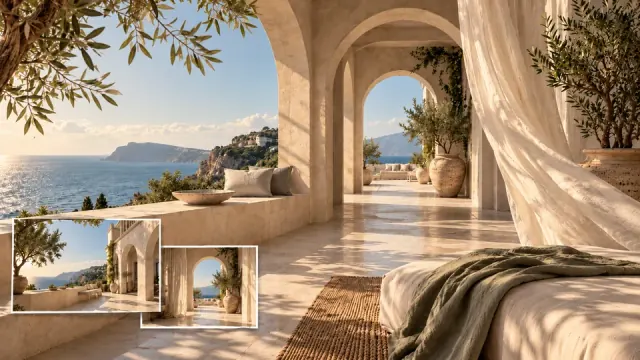


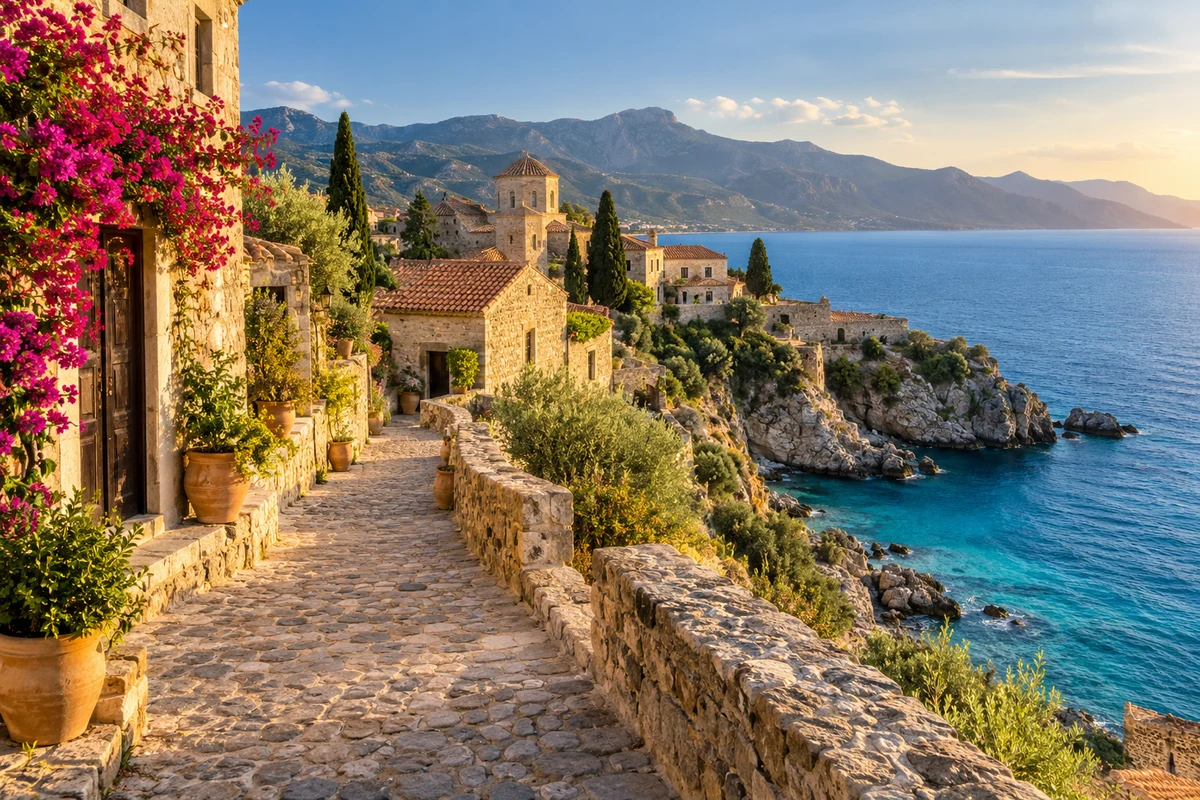
Free to Try Without an Account
Start with Nano Banana 2 Free for images or Veo 3.1 Free for videos. No credits or sign-up required, with watermark-free downloads. Sign in to save results or use credit-based models.
Start with a prompt or an image. Choose a Free image or video model to generate without sign-up or watermarks.

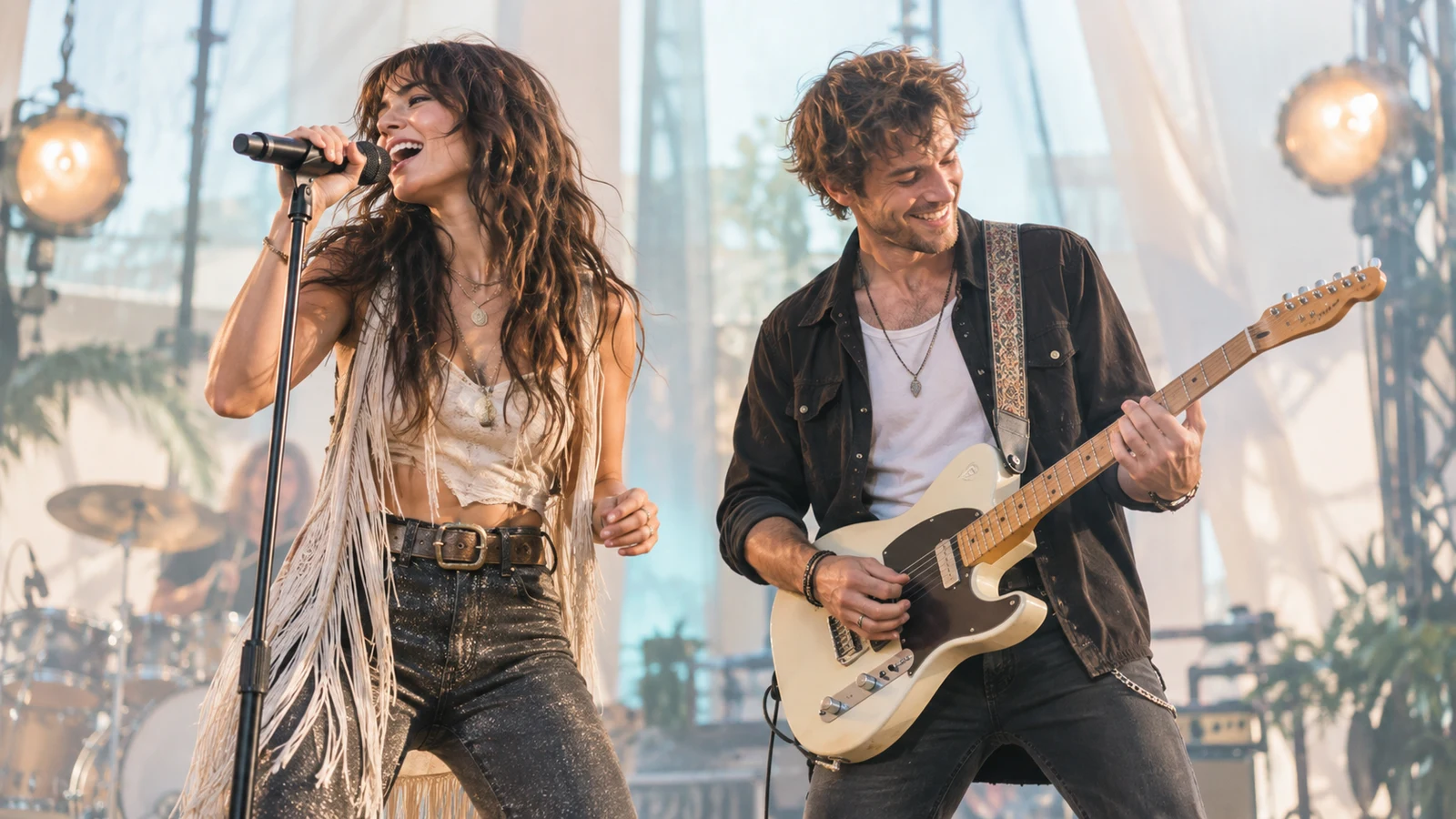
Explore video ideas with text or image prompts.
Create videos from prompts and visual references.

Create videos from prompts and visual references.

Turn your ideas and images into moving scenes.
Build video scenes from your creative direction.

Bring your ideas and reference images to life.
Create videos from text or image prompts.

Create images and refine them with references.

Turn detailed prompts into original visuals.

Turn your prompts into original images.

Create images with control over your visual direction.
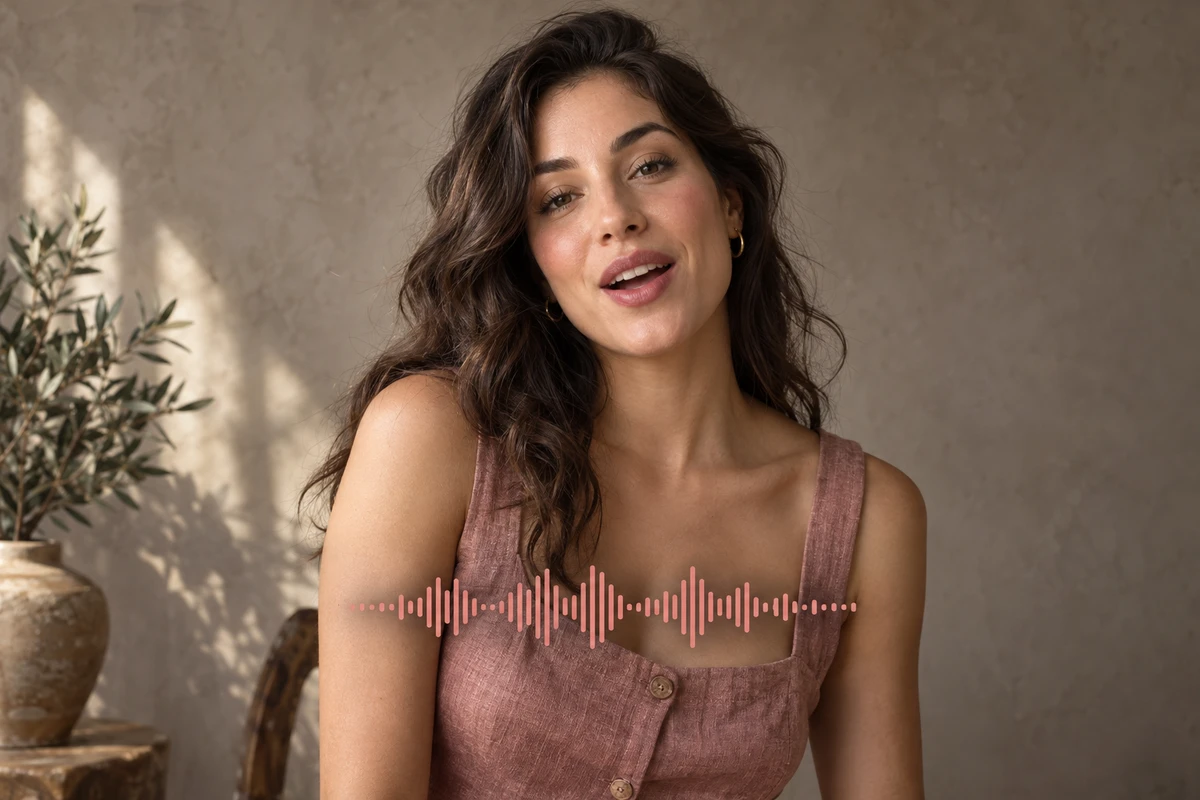
Create speech and sound from text prompts.
From your first idea to your next creation — free to try, with video and image in one connected studio.
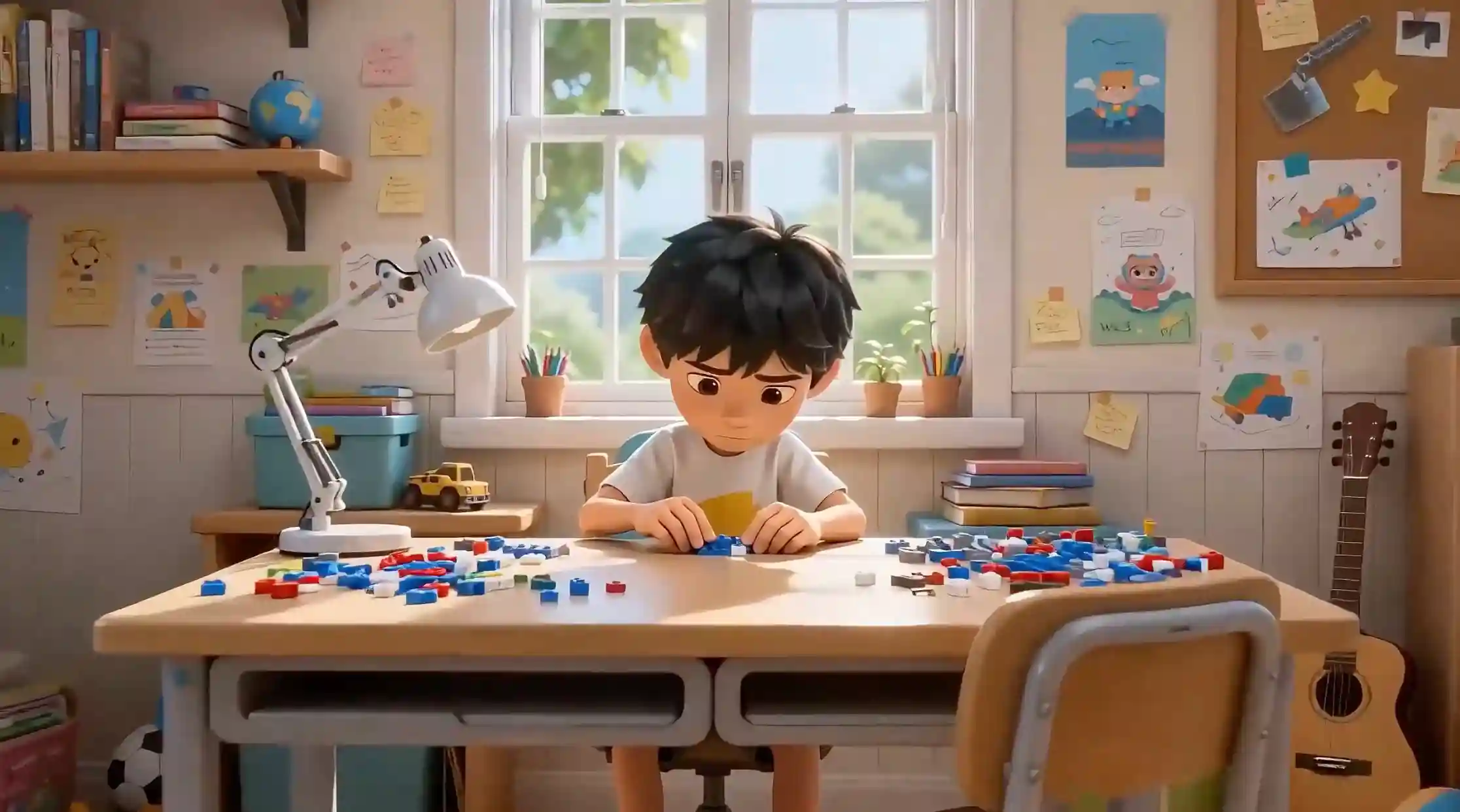
Bring your ideas to life with text prompts and reference images. Start with Veo 3.1 Free without an account, or choose a credit-based model and its supported settings.
Create original images, rework existing visuals and explore new styles. Try Nano Banana 2 Free without an account, or choose a credit-based model for more output options.
Flow AI brings video, image and music creation into one browser-based studio. Start with an idea and choose a model that fits your project. Keep your creative work moving with connected tools and clear credit costs.
Start with Nano Banana 2 Free for images or Veo 3.1 Free for videos. No credits or sign-up required, with watermark-free downloads. Sign in to save results or use credit-based models.
Explore an independent creative platform with a choice of models. Flow AI is not affiliated with Google and does not claim to be open source.
Choose video, image, music, voiceover and sound tools in one connected creative studio.
Create directly in your browser, without installing a desktop application.
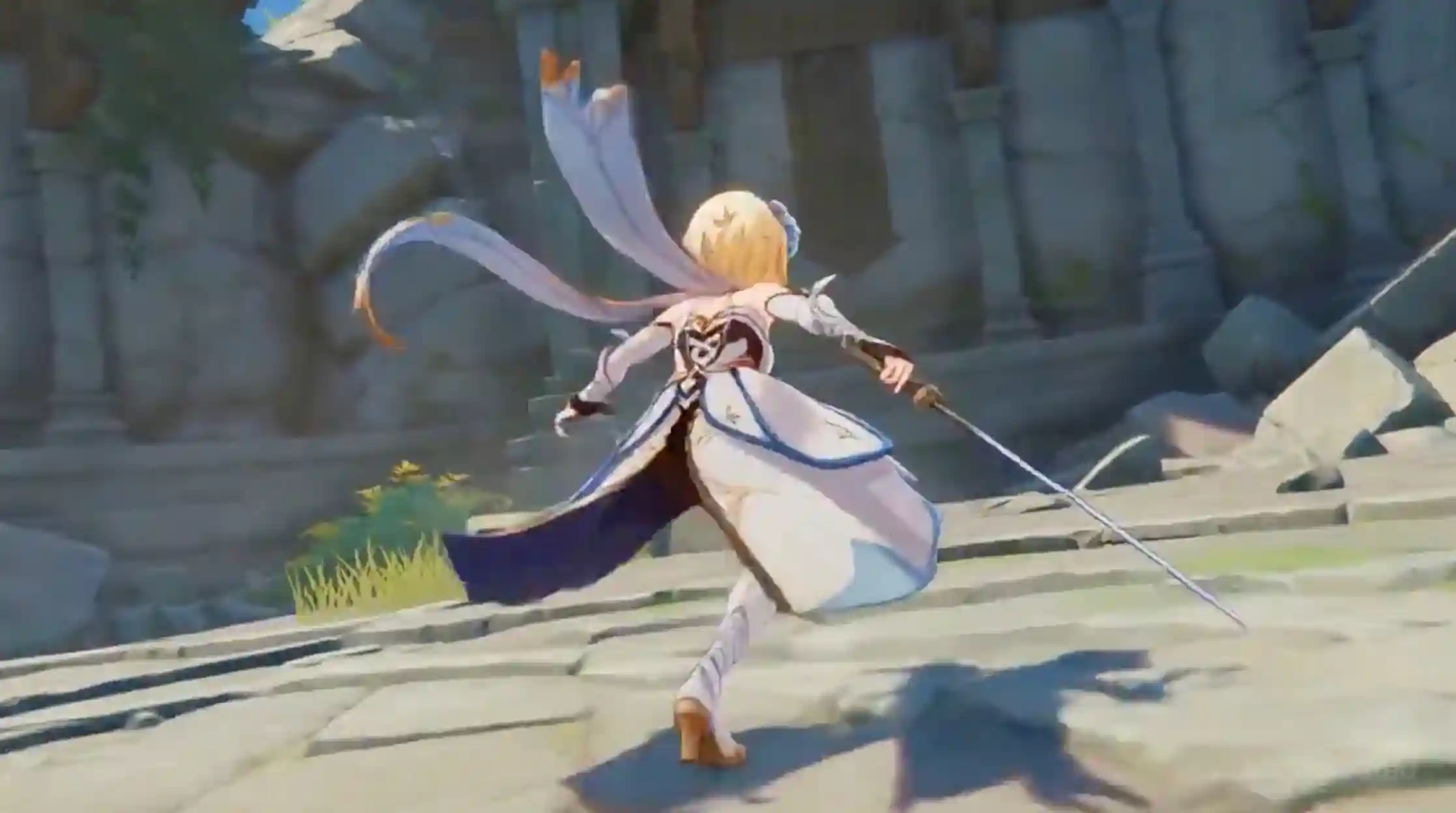
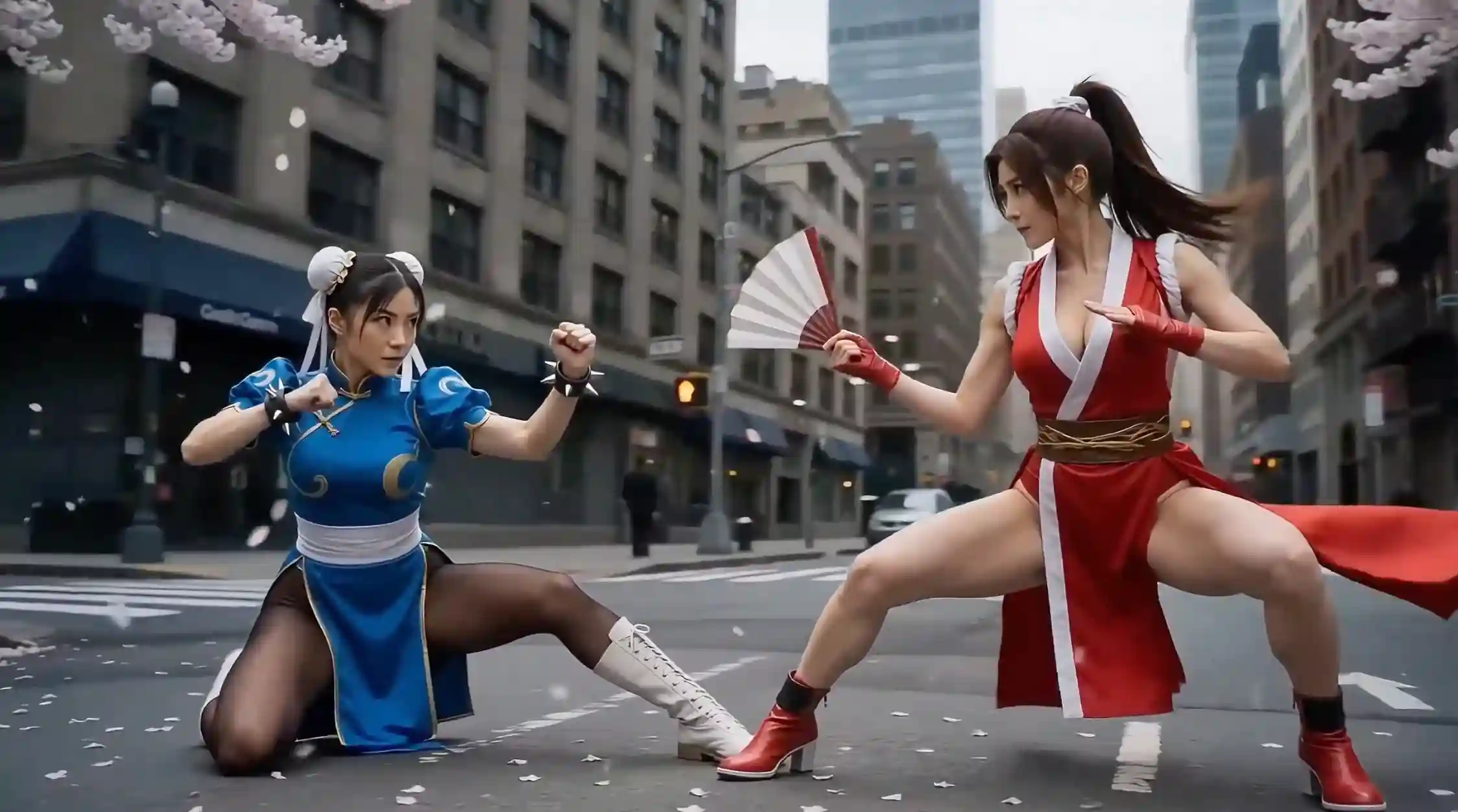
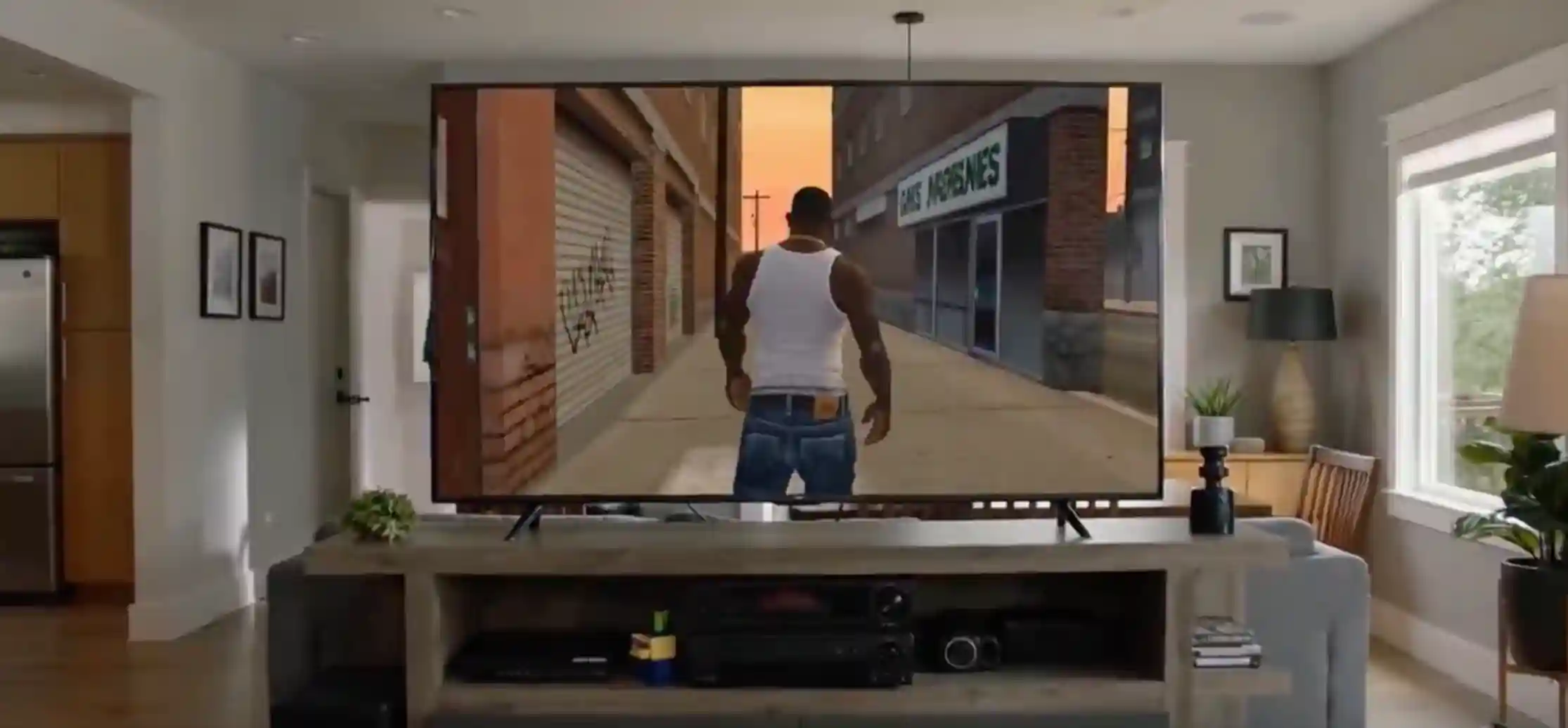
Turn your written idea into an AI-generated video.
Create a new image or refine one you already have. Explore image generation, editing and practical finishing tools in the same studio.
Turn your ideas into original images. Start with a text description and choose from the available models and aspect ratios.

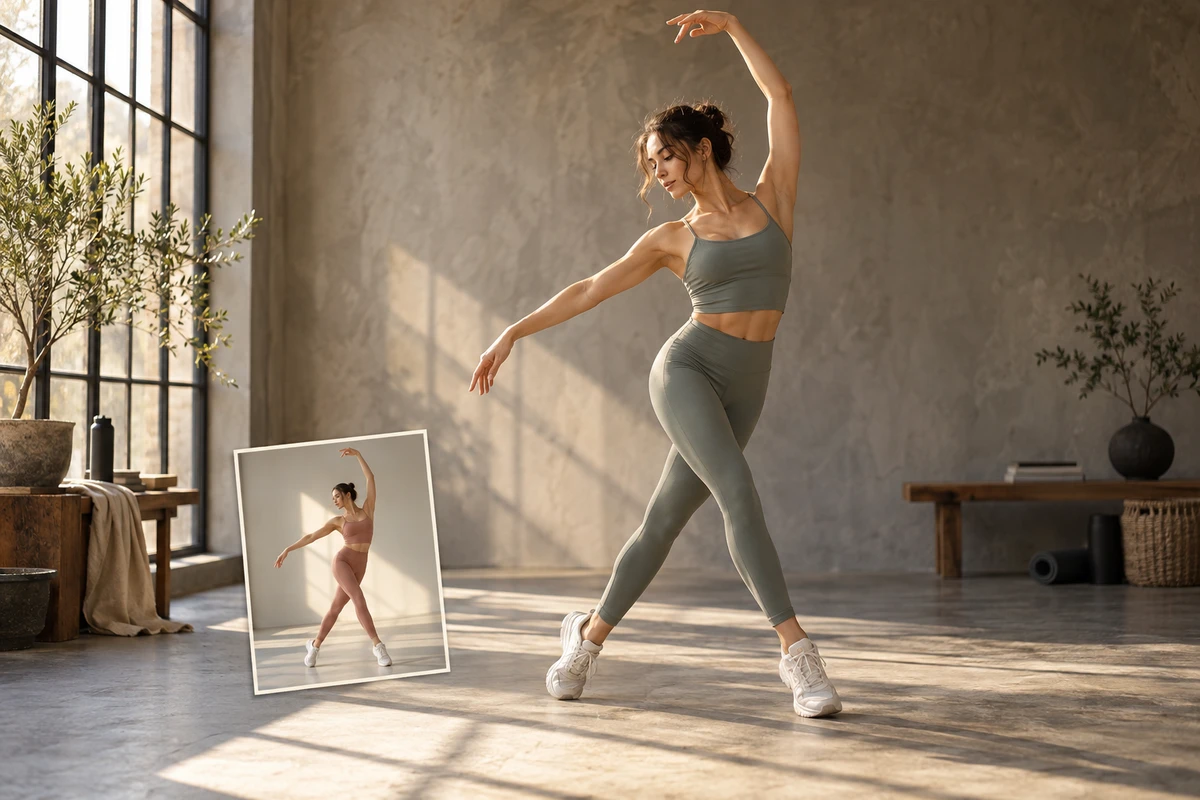
Rework your images with precise instructions. Guide edits with prompts, reference images and brush markup.

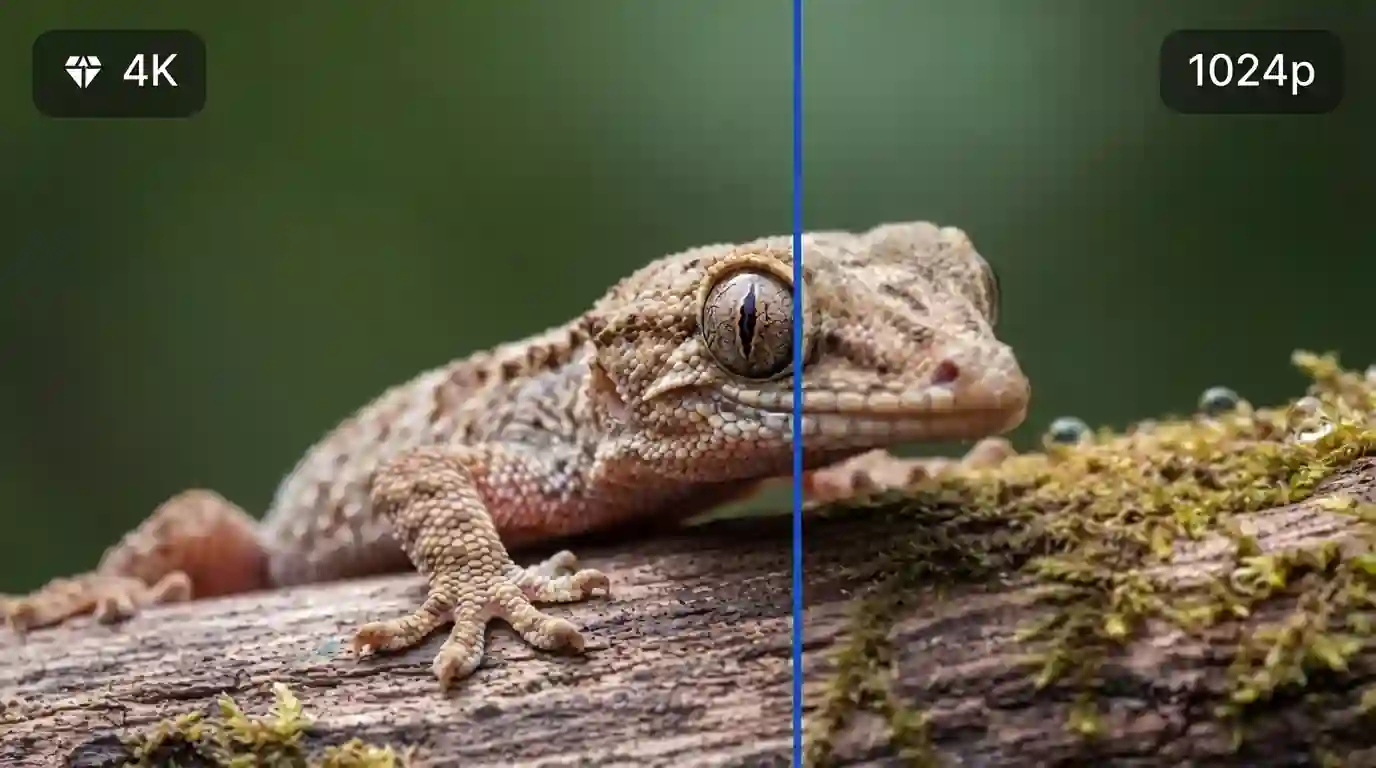
Give your images more resolution. Choose an upscaling level and apply optional face enhancement before downloading.
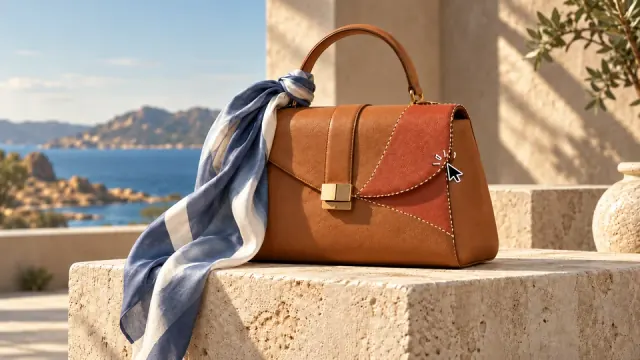
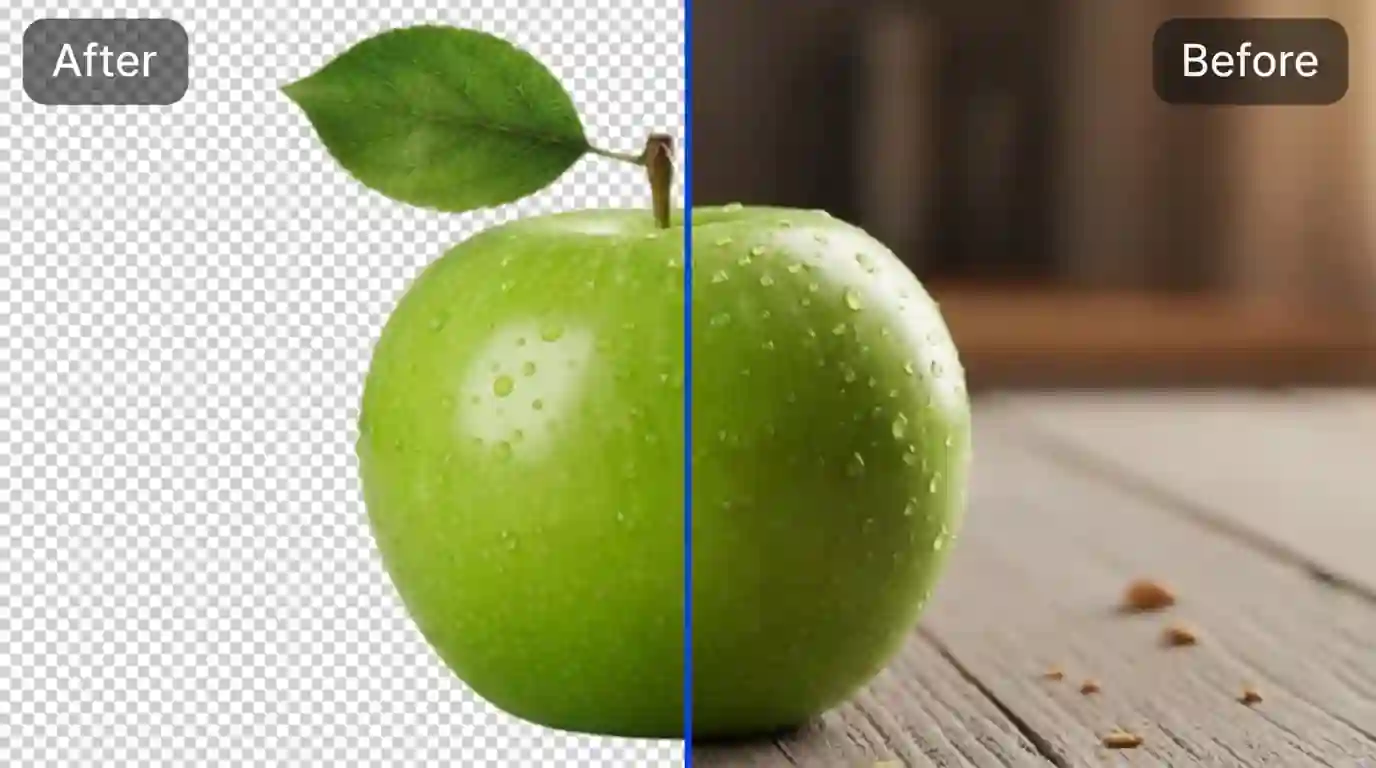
Put your subject in focus. Separate your subject from its background.
Create original songs, instrumentals, voiceovers and sound scenes. Write a song or a voiceover — both run in the same studio with the same credit system.
Bring ideas, assets, and AI generations into one open workspace.
Every available video, image and music tool, in one place.
Three simple steps from your first idea to a finished creation.
Pick the creative workflow that fits your idea.
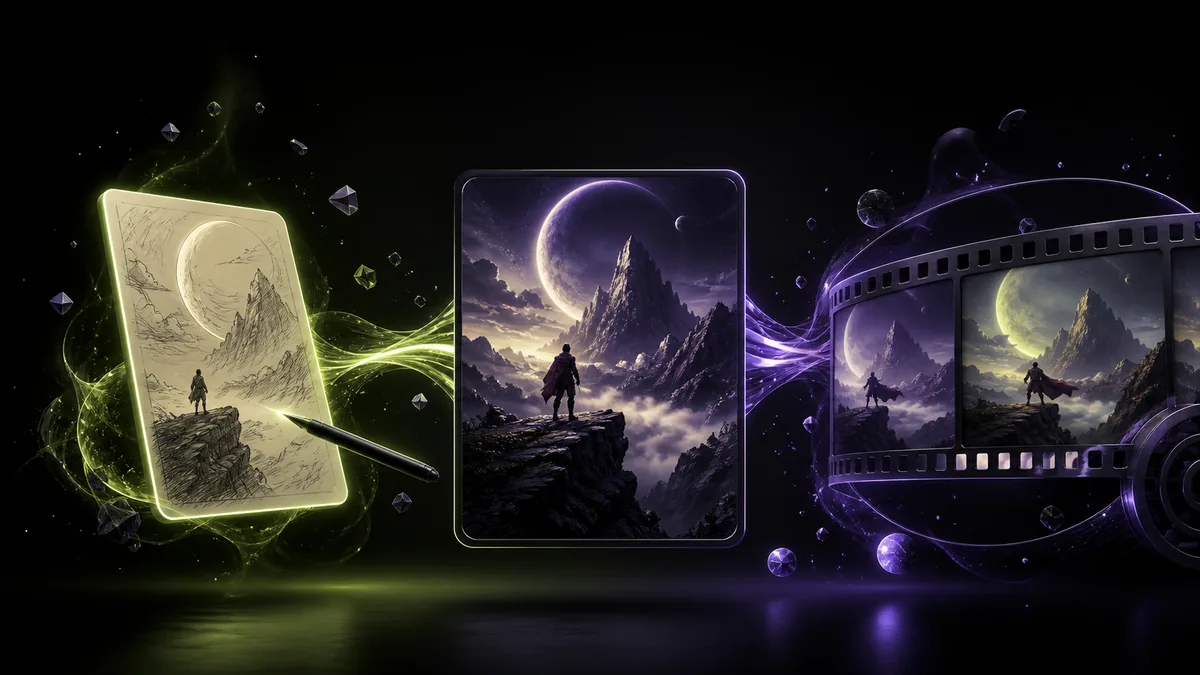
Describe your idea and provide the references your tool needs.
Generate, preview and download with a Free image or video model, without an account. Other models and tools require sign-in and credits.
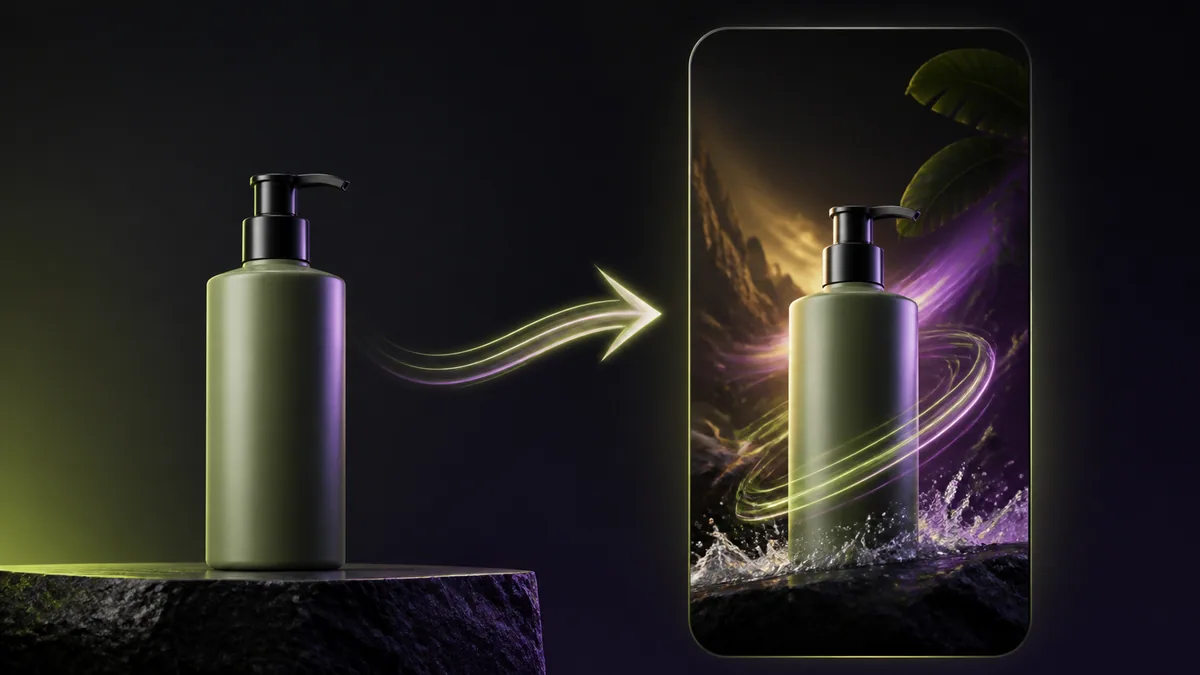
Flow AI brings video, images, music and audio into one workspace. Try free image and video models with no sign-up or watermark. Free allowances reset daily.
Yes. Select Nano Banana 2 Free for images or Veo 3.1 Free for videos to generate without paying or spending credits. These models work without an account, and their free allowances reset daily. Availability depends on shared capacity. Other models and tools use credits, and some require paid access.
No account is needed to generate, preview, or download images with Nano Banana 2 Free or videos with Veo 3.1 Free. Sign in to save eligible results to your account or use credit-based models and tools. Signing in does not reset your daily free allowances.
Yes. Images generated with Nano Banana 2 Free and videos generated with Veo 3.1 Free can be downloaded without a watermark, including when you generate without signing up. These free-model downloads do not require credits or a paid subscription. Other models and tools follow their own output and plan rules.
Create videos from text or reference images, generate and edit images, upscale images, remove backgrounds, and make songs, instrumentals, voiceovers, conversations and sound scenes.
Flow AI is an independent platform with its own model selection, accounts, and credit system. It offers AI video, image, music, and voice tools. Nano Banana 2 Free and Veo 3.1 Free support generation and downloads without an account. Flow AI is not affiliated with Google.
Nano Banana 2 Free and Veo 3.1 Free do not consume credits and have free allowances that reset daily. Credit-based generation costs vary by model and settings, with the cost shown before you submit. Music, voice, and other credit-based tools require sign-in and use credits. Visit Pricing for current plans and credit options.
Flow AI is a website that runs in your browser. You can use it on desktop or mobile without installing an app.
Yes. Use the Voice & Sound Generator to create voiceovers, dialogue and sound scenes with Seed Audio.
Paid-plan users may use their generated outputs commercially, subject to our Terms of Service, applicable law, and the selected model’s rules. Free users may use generated outputs for personal and other non-commercial purposes. Flow AI does not claim ownership of your generated outputs. Copyright protection and rights to third-party material are not guaranteed, so use inputs you have permission to use.
You can use Flow AI in a mobile browser. The homepage and composer adapt to smaller screens, with touch controls for browsing examples and tools.
Generation time depends on the model, task type, settings and queue. Follow the task status in your workspace; no fixed completion time is guaranteed.